Shop tools, calculators, and digital resources for woodworkers, CNC and 3D print makers, and any small business owner
If Da Vinci had a CNC, he'd want better calculators.
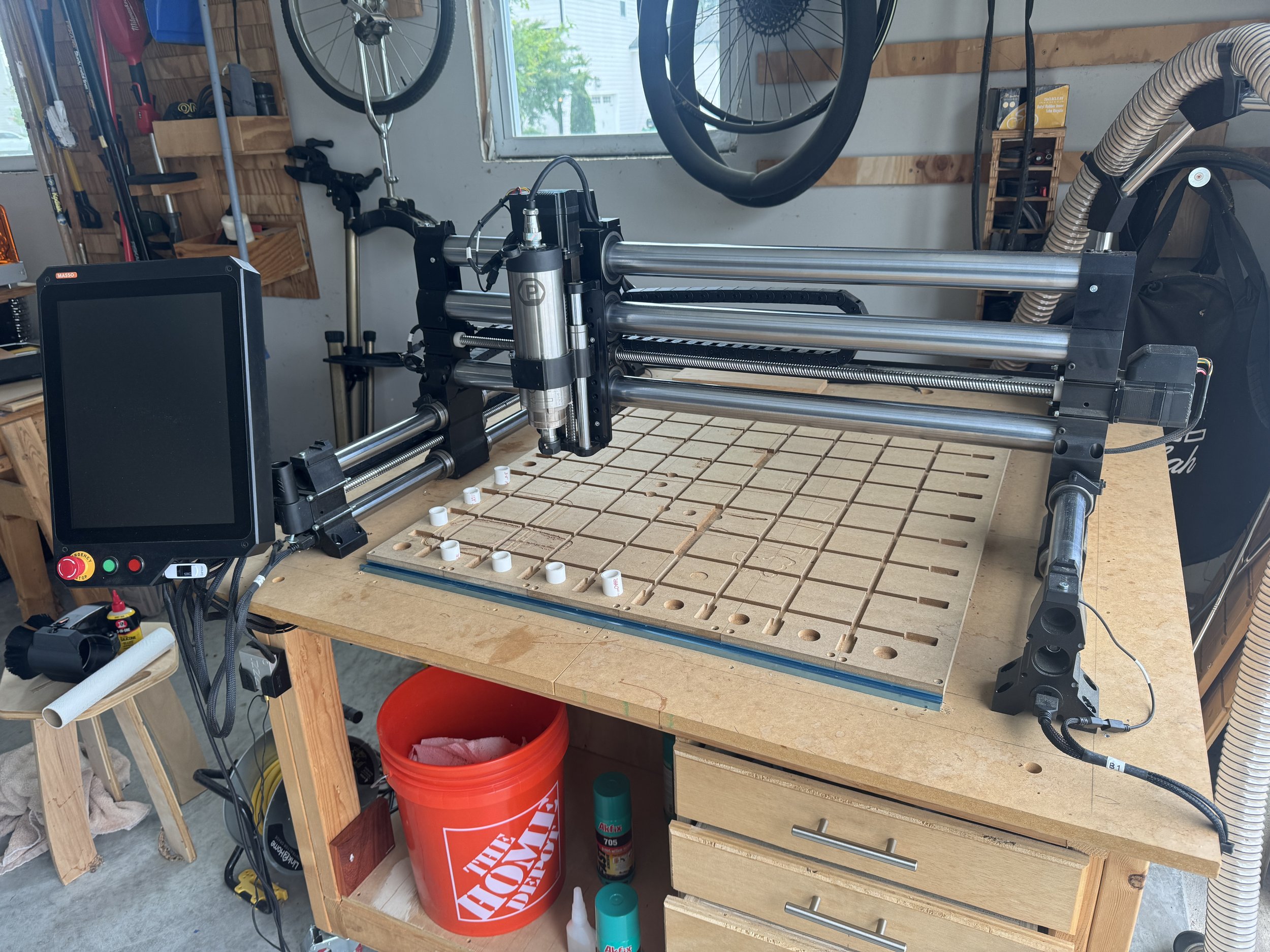
Featured Product
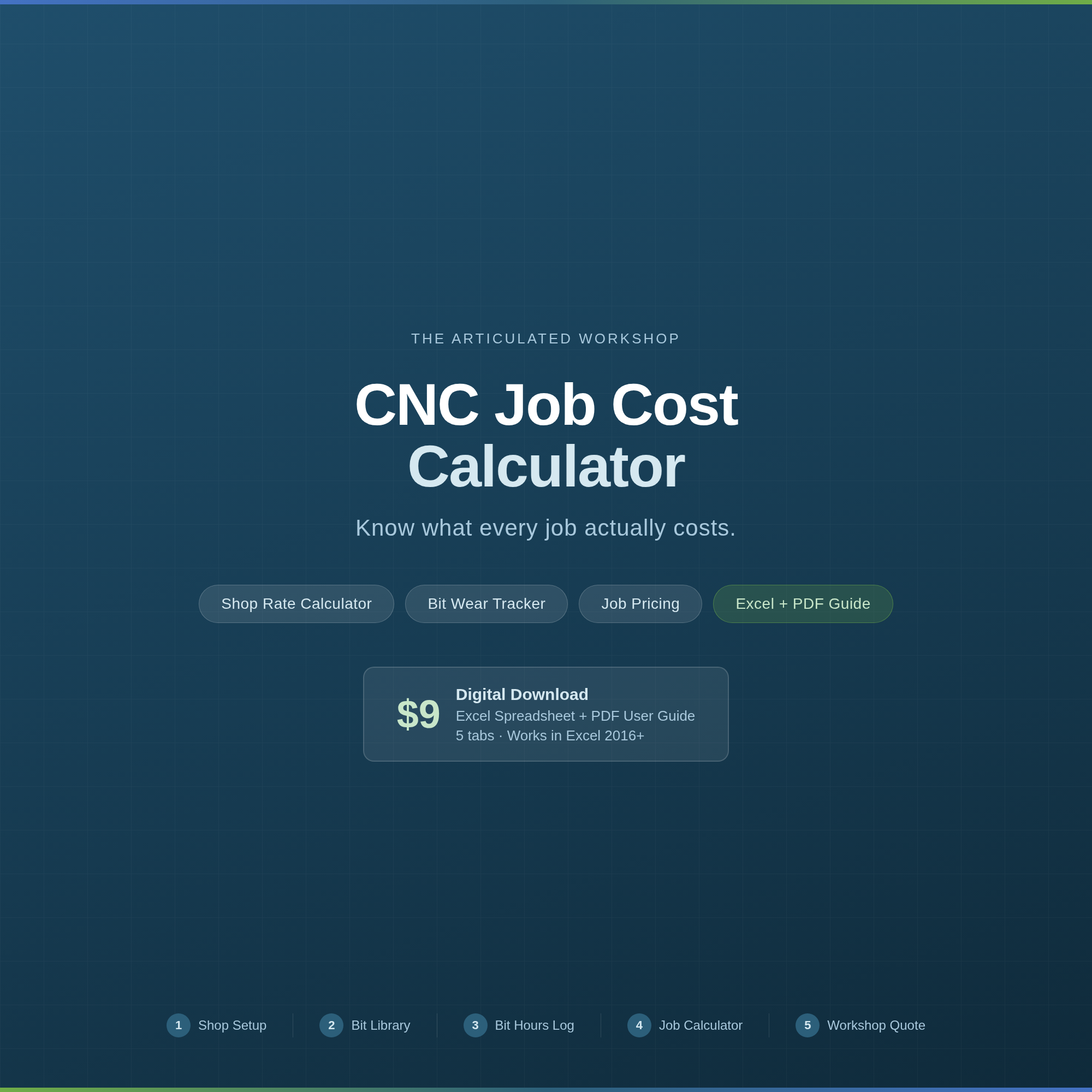
Stop guessing what your jobs actually cost.
This spreadsheet tells you.
The CNC Job Cost Calculator is a five-tab Excel workbook for hobbyist CNC operators who run a side business — or who want to start charging what their work is actually worth. No accounting background required. Enter your numbers once, and the math takes care of itself.
What’s Inside
Shop Setup
Enter your machine cost, spindle type, electricity rate, dust collector, spoilboard, and maintenance reserve. The tool calculates your true shop rate in dollars per hour. That number flows automatically into every job you price — you never have to enter it again.
Bit Library
Track up to 100 bits. Give each bit a nickname, add its cost and expected life, and the spreadsheet calculates cost per hour and remaining life automatically. You’ll know when a bit needs replacing before it costs you a job.
Bit Hours Log
Log every run: date, job reference, bit used, and minutes of run time. Accumulated hours update the Bit Library automatically. No manual math.
Job Calculator
The heart of the tool. Price any job by entering:
• Materials (up to 5 material types with waste factor built in)
• Design and setup time at your design rate
• Machine run time per bit, in minutes, at your shop rate
• Finishing labor at a separate lower rate
Supports both Markup % and Target Margin % pricing — with a plain-English explanation of the difference. Outputs total price, price per unit, profit, and actual gross margin. Tax included.
Workshop Quote
A clean, print-ready customer quote that pulls directly from your Job Calculator. Add your business name and logo and it’s ready to send.
What You Get
• Excel (.xlsx) file — works in Microsoft Excel 2016 and newer, including Excel 365
• PDF User Guide — an 11-page walkthrough of every tab, with tips and troubleshooting
After purchase, you’ll receive an email with a download link.
Machine dropdown includes: Onefinity Woodworker, Onefinity Journeyman, Shapeoko 4, Shapeoko 5 Pro, Sienci LongMill, Sienci Altmill, Avid CNC, and Generic.
Works with Microsoft Excel 2016 or newer. Not compatible with Google Sheets without modification.
Questions?
Use the contact form — I’ll get back to you.
Built by The Articulated Workshop — tools for makers who mean business.
Our Other Projects
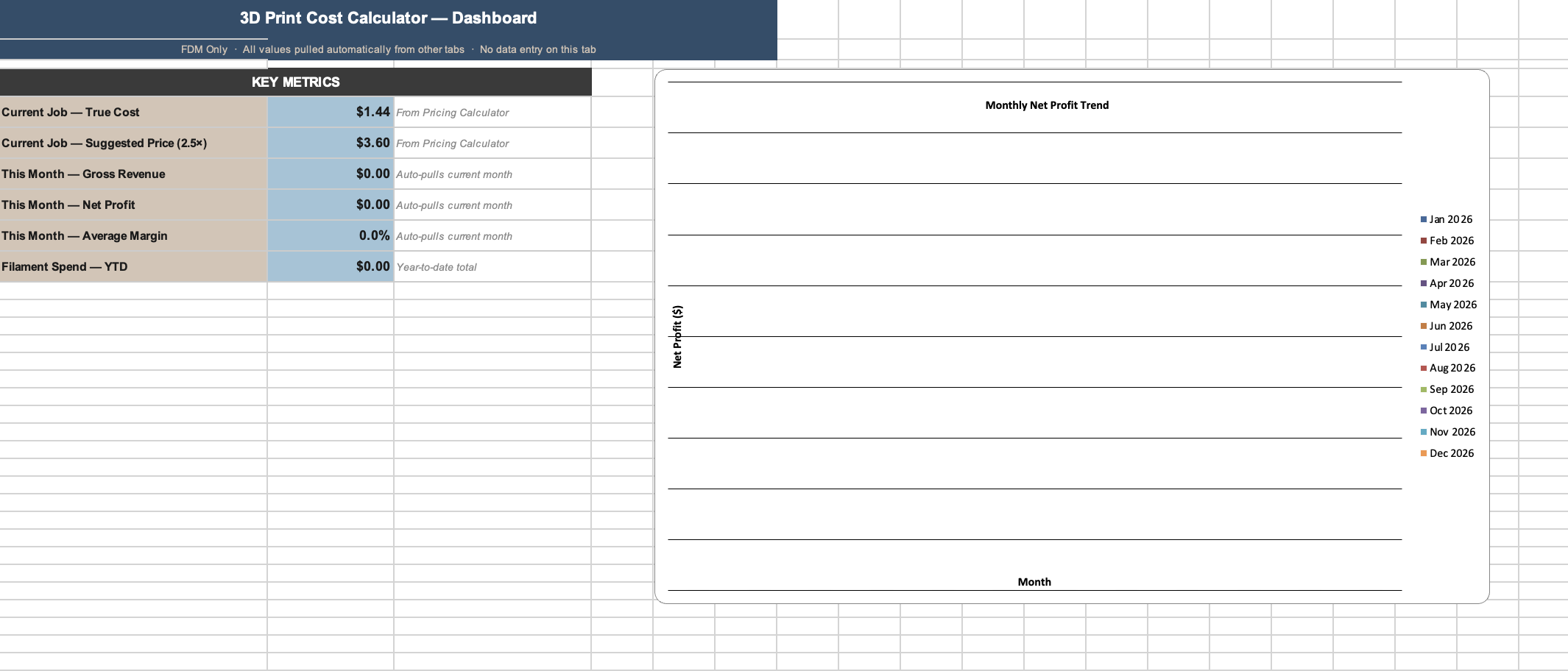
Stop guessing what your prints actually cost.
This FDM 3D print cost calculator gives you the true cost per print — filament, electricity, printer depreciation, and failure buffer — all in one spreadsheet. Etsy seller? There’s a built-in fee calculator for that too.
Plug in your grams and print time (straight from your slicer), pick your filament vendor from the pre-loaded price table, and get your true cost plus suggested retail prices at 2×, 2.5×, and 3× markup — instantly.
————————————
WHAT’S INCLUDED — 6 TABS, FULLY WIRED
Pricing Calculator — true cost per print with depreciation, failure rate, and optional labor
Etsy Fee Impact — see your net after 6.5% transaction + $0.20 listing fee at each markup tier
Job Log — track every print: material, grams, time, sale price, pass/fail, margin
Monthly Profit Report — auto-pulls from your job log; gross revenue, net profit, avg margin by month
Filament Inventory — track remaining grams per spool, low-stock alerts
Filament Price Table — pre-loaded with 8 brands × 6 materials (PLA, PETG, ABS, TPU, ASA, Nylon)
————————————
PRE-LOADED VENDORS
Hatchbox · Polymaker · Prusament · Overture · Bambu Lab · eSUN · MatterHackers · Amazon Basics. Update prices any time — the calculator picks them up automatically.
————————————
HOW TO USE
Update the Filament Prices tab with your current costs
Open the Pricing Calculator tab — enter grams used, print time, and electricity rate from your utility bill
Read your true cost and suggested retail prices instantly
Log each job in the Job Log — the Monthly Report pulls everything automatically
————————————
WHAT YOU GET
1 × .xlsx file (Microsoft Excel, Google Sheets compatible)
Instant digital download — no waiting, no shipping
Personal + commercial use license
FDM printing only — does not support resin
————————————
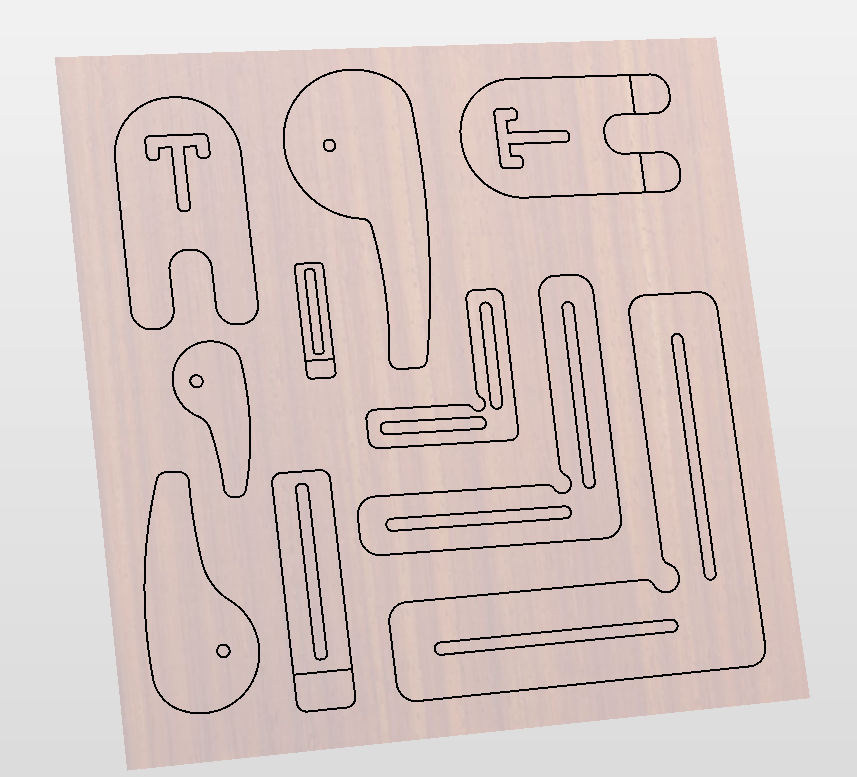
Working on your CNC machine and need some easy to use clamps for holding the workpieces? Here's the kit for you! A combination of hold downs to fit over the edge of the piece (Horseshoe and Straight Bumper clamps) and edge clamps, as well as round cam-type clamps. Multiple sizes and shapes, along with invaluable L clamps in 3 sizes to position workpieces reliably in the same position on your wasteboard.
Includes .svg, .dxf and .step for:
- L shaped clamps - 3 sizes
- Horseshoe clamps, with and without tongues
- Round cam clamps - 3 sizes
- Straight bumper clamps with tongues - 2 sizes
- PDF with descriptions and instructions
All profiles can be cut from any thickness wood you choose by adjusting on your CNC software. The .step files are designed for 3/4" wood for CNC cutting, or will create 3/4" thick clamps if 3D printed.
Holes and slots are 5/16" wide to accomodate T track bolts, Microjig dovetail clamp bolts, and 1/4" screws.
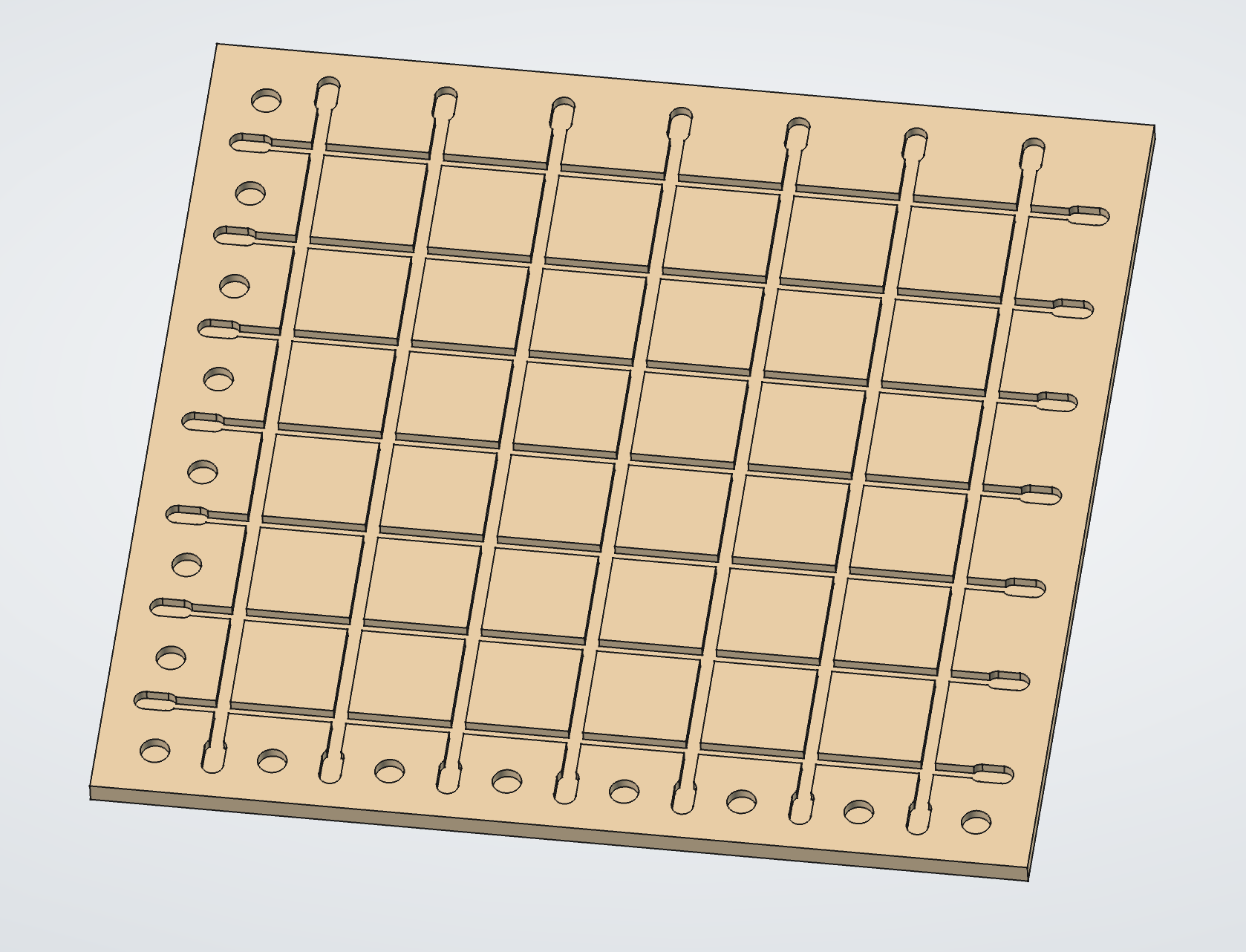
CNC wasteboard files for every OneFinity model — cut once, flatten forever.
This digital download includes a complete set of dovetail jig wasteboard files for the OneFinity CNC. Whether you're running an Apprentice, Woodworker, Journeyman, or Elite Gen 2, you get files sized to the exact wasteboard dimensions of your machine — not the advertised travel area.
★ WHAT'S INCLUDED
Five file formats per machine model:
• .CRV — Vectric VCarve / Aspire project file with all toolpaths pre-configured
• .DXF — AutoCAD Drawing Exchange Format for import into any CAD/CAM software
• .SVG — Scalable Vector Graphics for Inkscape, Illustrator, Easel, and more
• .AI — Adobe Illustrator native vector file
• .PDF — Visual reference and printing
Four OneFinity models covered:
• Apprentice — 16½" × 16½"
• Woodworker — 32¼" × 32¼"
• Journeyman — 48¼" × 32¼"
• Elite Gen 2 — 49" × 49⅛"
★ TOOLPATH ORDER (IMPORTANT)
The Vectric .CRV file includes six numbered toolpaths — run them in order:
1. Surfacing with a 1" surfacing bit (0.02" depth)
2. Engraving with a 90° V-Bit (0.02" depth)
3. Entry holes with a ¼" end mill
4. Pin pockets with a ¼" end mill (3/8" depth for 1" PVC pins)
5. Dovetail bulk clearing with a ¼" end mill
6. Final dovetail pass with a MicroJig dovetail bit (½" bottom diameter)
⚠ Do NOT substitute a standard ½" end mill on step 6. Use a MicroJig dovetail bit. Running the dovetail bit before clearing material will ruin your wasteboard.
★ COMPATIBLE SOFTWARE
Vectric VCarve, Vectric Aspire, FreeCAD, Fusion 360, Carbide Create, Easel, Lightburn, Adobe Illustrator, Inkscape, and any CAD/CAM software that imports DXF or SVG.
★ INSTANT DIGITAL DOWNLOAD
No shipping. No waiting. Files delivered immediately after purchase. Unzip and you're cutting.
★ QUESTIONS?
Contact us at the.articulated.workshop@gmail.com — we're makers, and we actually read the inbox.
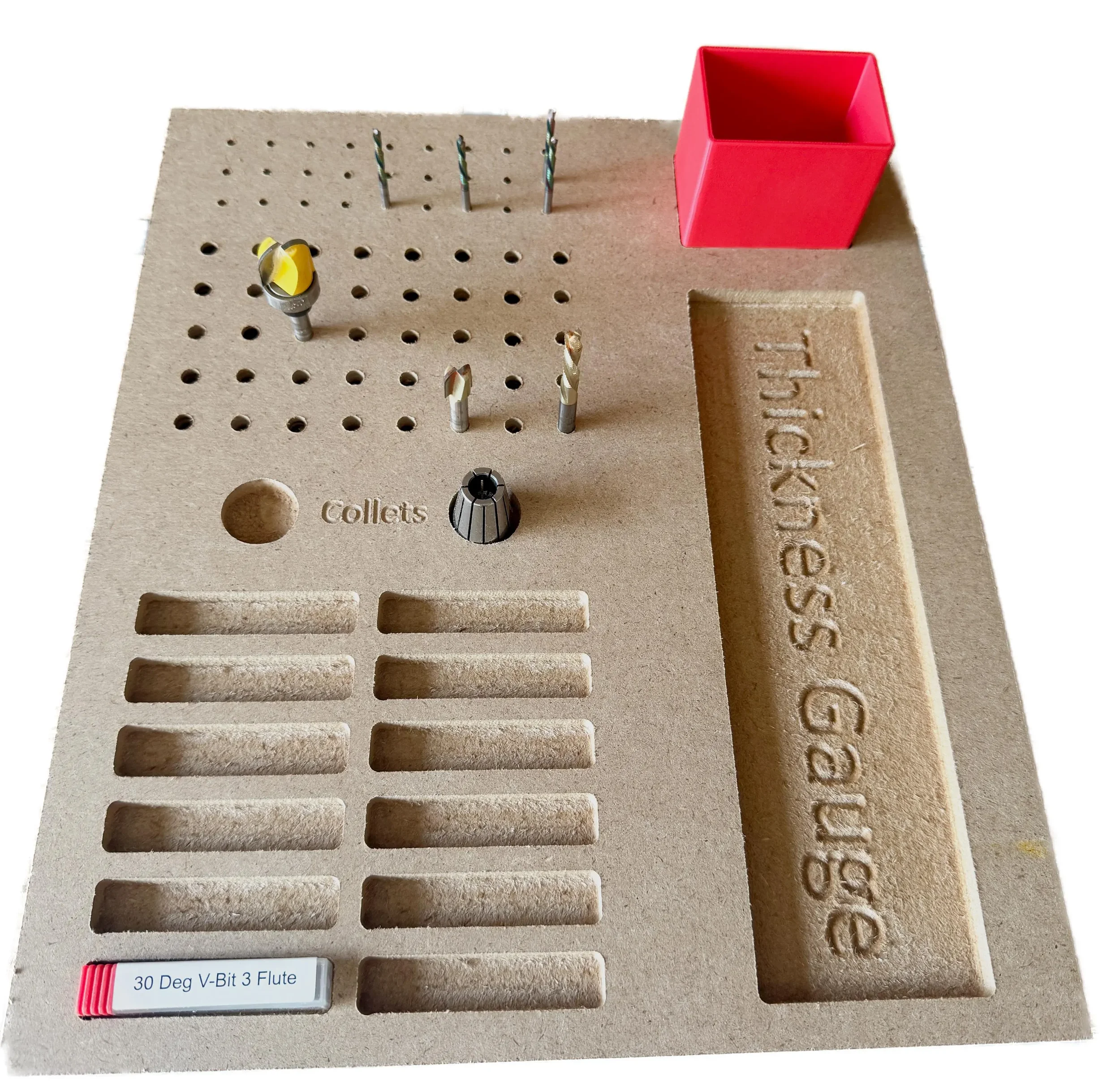
CNC Workshop Drawer Insert – Caliper, Collet & Router Bit Organizer | SVG, DXF, PDF, AI, CRV & STL Digital Download
Keep your most-used CNC tools exactly where you need them. This drawer insert is designed specifically for the CNC workshop, putting your digital caliper, collets, and router bits in one tidy, always-ready spot.
Fits Most Workshop Drawers
At 12" × 14" × ¾", this insert is sized to drop right into a standard workshop drawer without modification. Cut it from a single piece of ¾" plywood or MDF and you're done.
What It Holds:
📐 Digital caliper — dedicated slot
🔩 Collets (#2) — individual cutouts to keep them organized and easy to grab
🔧 ¼" router bits (#40) — dedicated section keeps your most-used bits upright and accessible
🔧 ⅛" router bits (#27) — separate section so sizes never get mixed up
📦 Bonus flex cutout — use as open storage as-is, or drop in the 3D-printed box (included .stl file for you to create) for smaller items like set screws, wrenches, or spare hardware.
What's Included:
.SVG: Use in Inkscape, Lightburn, Carbide Create, and more
.DXF: Use in VCarve, Fusion 360, AutoCAD, and most other CAM software
.PDF: Universal reference and scaling
.AI: Adobe Illustrator for custom edits
.STL: 3D print the bonus storage box on any FDM printer
.CRV: Vectric file to run and cut or to modify as you need
Why You'll Love It:
Cut from scrap ¾" plywood or MDF — no special materials needed
No joinery or complex operations — a straightforward beginner-friendly CNC project
Fully customizable — the .AI file makes it easy to resize cutouts for your specific tools; if you use Vectric products, the .CRV file is there for you to customize as you wish.
The included STL box is a perfect companion project for anyone with a 3D printer
Please Note: This is a digital download only — no physical product will be shipped. A CNC router and CAM software are required to cut the insert. A 3D printer is needed to produce the optional storage box.
Read the Blog
The Latest

Shop tips, project breakdowns, and maker business advice — published on Substack.